top of page
TECHNICAL ARTIST

WEEK 02
Mentor's Feedback Summary
We got a few suggestions about the opening shot, color palette looks, Nvidia environment, and Camera angles.
Based on the mentor's suggestions, we must start the progress for RTX Nvidia's 4090.
Week 02 Goals:
-
Procedural buildings
-
Developing Nano Tech Effect

Here is my second week's progress of work on the Nano Tech effect.
This week, we worked on the Nano Tech effect and Procedural Modeling. Firstly, we looked at the implementation of Nano Tech effects. Here, we first tried to implement the impact on a cube. The effect looks like a hexagon shape.


Later, I showed the progress to the team, and we started discussing the new effect patterns. Then, we started to find new references for a Nano Tech effect. This is the best reference we got it from the Spider Man : Far From The Home

We decided to make a cubicle form of effect.

I got some cubicle form of effect, which applied to a basic cube. Later, I got used to the proper building.


I applied the effect for building and used the group node as a bounding box.
In this, find the shortest path, and Start points are assigned first.
I used cost attributes to calculate the distance from each point by manipulating next to the edge line and changing the output paths from any start to each end.

Here, add a node to remove the geometry but keep the points.
In the attribute, Vop created the nano tech animation effect.


In the bind node, added the Cost attribute, which connected to the fit. Here, we can set the minimum and maximum points range.
One of the ramps is for scaling the effect, and the other ramp is for displacement effects. Aaflownoise and turbnosie are used to create noise patterns.
A displacement amount is promoted as input, which is helpful in controlling the displacement.
In the add node, I promoted an input and named it Animate. Using this input, I can control the effect radius.

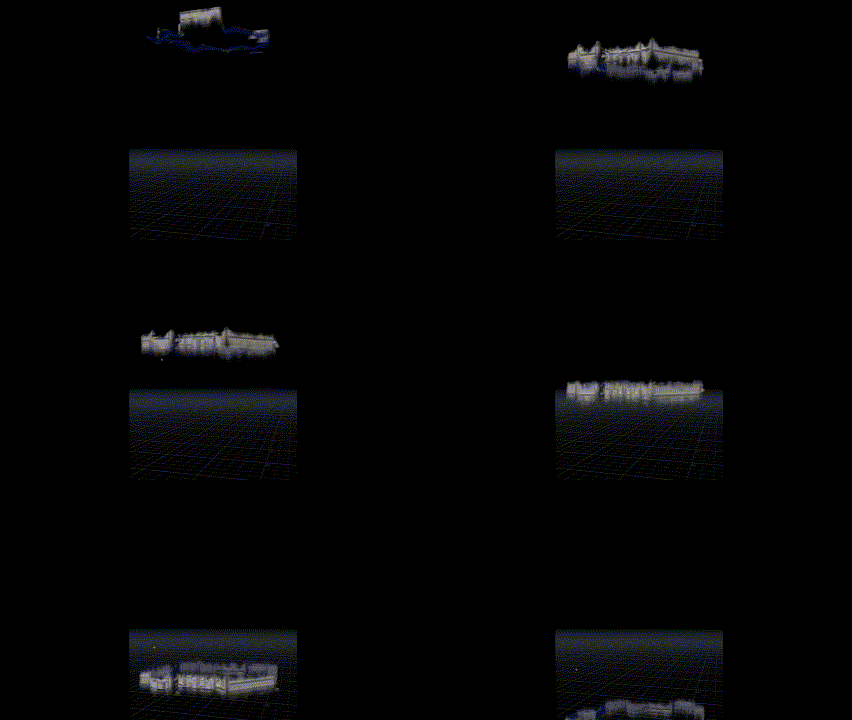
This is the outcome of the attributeVop animation transition.


While in the render view, I started seeing dotted points. Davis helped me resolve this error. By using a VEX expression, I cleaned all the dotted points.
These are the Procedural modeling references


Environment reference
Created procedural modeling

I created a primary shockwave effect for shot 2 and hand over to Davis, who is taking care of the advanced effect.


FX reference for the project.
bottom of page